When troubleshooting a problem with Comodo Firewall with the help of a staff member from the Comodo forum, I found that the tool they asked me to run to gather (extensive) information about my system sends the report to a server via SSH, with hardcoded credentials, next to many other user reports, which are readable by anyone. The story was initially written in 2020, and I am releasing it now, after nobody ever replied to me 😦
Why am I still using a personal firewall in 20202025?
I use Comodo Firewall as a personal firewall application on my Windows laptop. A long time ago, this product was the most tech-savvy firewall that enabled me to configure precise traffic rules per application. The main purpose nowadays, when Windows already has an inbound firewall in place, is to be asked when a process makes new outbound connections. You do not want all your programs (including Windows components) to connect anywhere without your authorization.
Controlling which program can connect to the Internet can already kill some types of ransomware right away if it first needs to connect to some server before encrypting files. It also helps protect against some forms of malware that start with a “downloader”. And typically, malware often starts with a downloader if they just exploited a vulnerability in another software such as your PDF reader, or your word processor.
You block the downloader from fetching whatever payload from the Internet, nothing happens, you realize you are running something you shouldn’t, you find it, remove it, end of the story.
Let’s say you inadvertently install an adware/spyware, as it was bundled with another legitimate application, and the dark patterns got you: you didn’t realize you agreed to have it installed. When it runs, it typically wants to exfiltrate your personal info, including your browsing history, maybe some identifiers like your email address. Hopefully, it does not try to also include your saved passwords. With a personal firewall, you can see some unknown program tries to access a remote resource. You can “block & terminate” it. Switch to airplane mode to avoid further leaks, and investigate your system. You contain the threat.
You can also see progressively your OS turning very gossip…
Comodo Report Tool
As I was starting to receive popups from Comodo about a feature that I had disabled, namely the ability to check a file’s trustworthiness against Comodo’s cloud, I opened a ticket on their forum.
The problem did not seem straightforward, so I was asked to run CisReportTool (https://cdn.download.comodo.com/cis/download/installs/cisreporttool/cisreporttool.exe) to generate a report about my system and Comodo’s configuration.
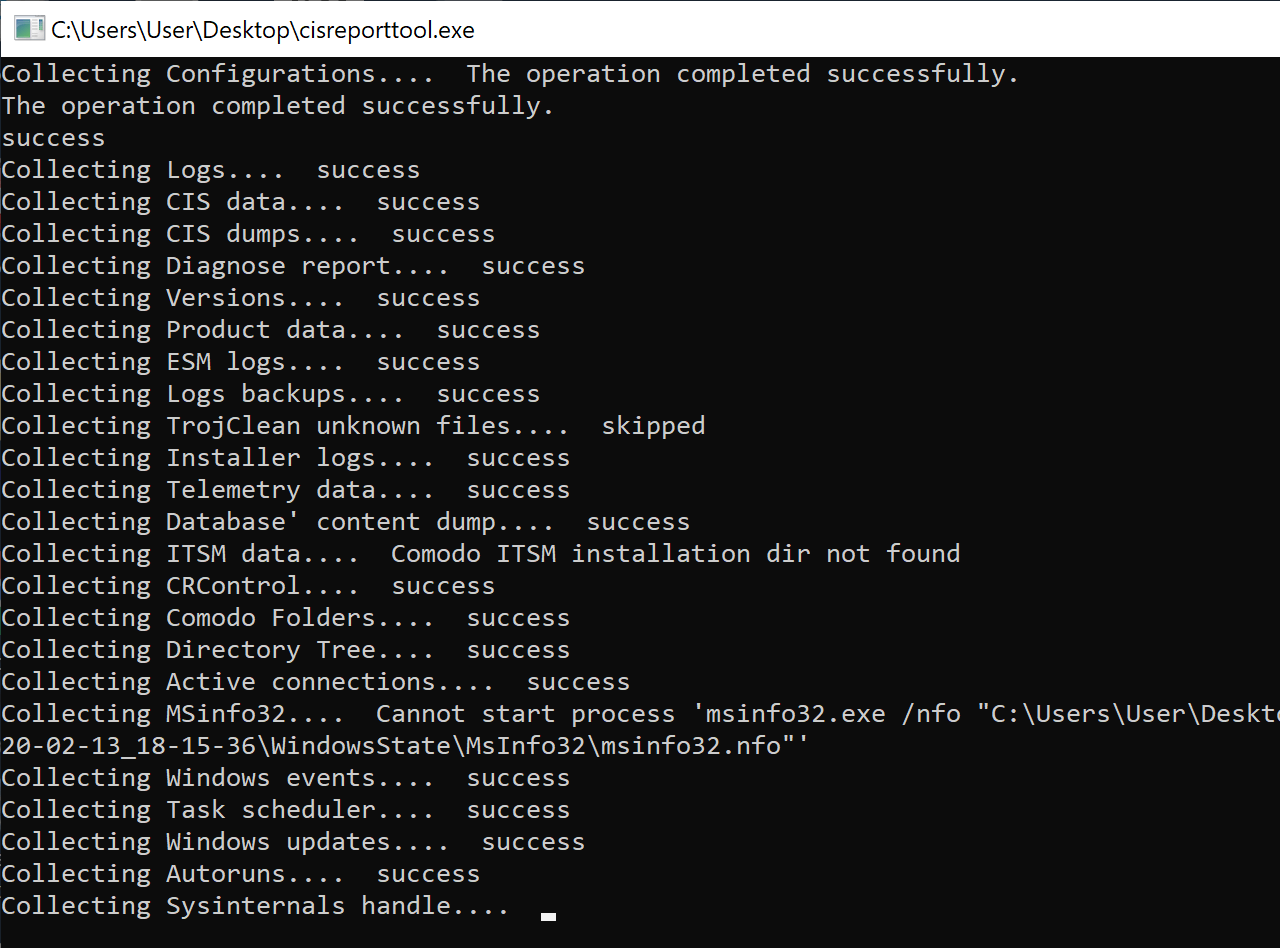
The report generation took quite some time, and seemed to gather a lot of information.
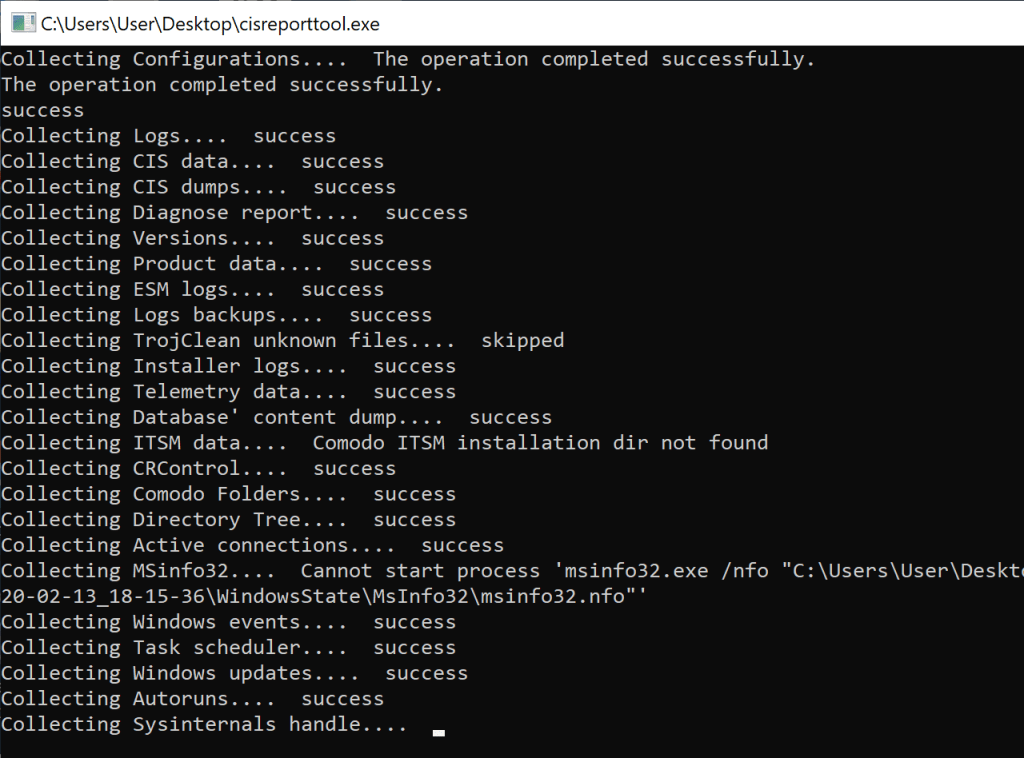
I was a little worried that it included sensitive information, including some file paths, or all my firewall rules, exposing which programs and tools I ever ran. Basically, I was ready to dig into the report myself and vouch it before I could share it with Comodo’s staff.
Little did I know, once the report generation was done, the report was automatically uploaded to some servers. The firewall warned me about a curl.exe application connecting to some servers, but I figured it would be needed to run the diagnosis, so I allowed it… then the tool informed me that the report was uploaded successfully. Duh!
Once I checked my local copy of the report, I obviously found information I did not want to expose, but it was too late. I was curious as to how the report got uploaded with curl. It is rather unusual to rely on a generic third-party tool for this purpose.
I re-ran the tool and traced I/O activities with Procmon. With Process Explorer, I could actually suspend the process before it finished. When curl.exe was called (this time I blocked it in the firewall), this is what I found…
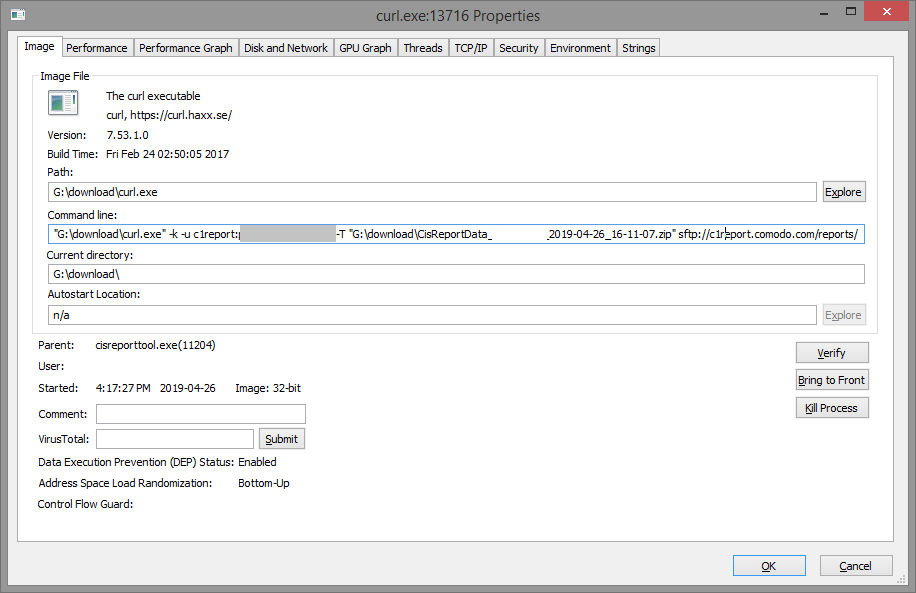
The tool passed some credentials as an argument to curl: c1report:**** (password hidden here). Later, I figured those are hardcoded. Facepalm.
To connect or not to connect?
My goal was to un-upload my report. I wanted to connect to the SSH server, and hopefully find my report then delete it.
Should I connect or not? After all, this is a server I’m not authorized to play with, but at the same time, I’ve been given the credentials implicitly and I did not consent to have the report uploaded.
I decided to connect.
What I did not expect, is to find many other user reports, 400 of them, readily downloadable, because all are owned by the same user. To verify the severity of this problem, I downloaded my own report, then I deleted it from the server.
Mission accomplished for me. But WTF Comodo?
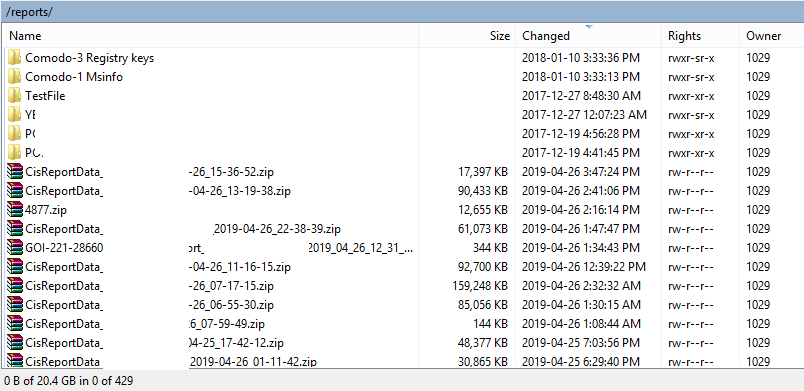
For Comodo’s defense, the SSH server does not allow the execution of other commands and does not forward traffic. This would have made the box a public proxy otherwise.
Reporting the information disclosure
I reported the problem to a Comodo staff member on the forum on April 26, 2019, and asked whether they had a bug bounty program. I never got a reply…
Fastforward to February 2020, I decided to talk about this story, and wondered whether they had fixed the problem. The tool hasn’t been updated, and the credentials are still valid. However, the report folder can no longer be listed.
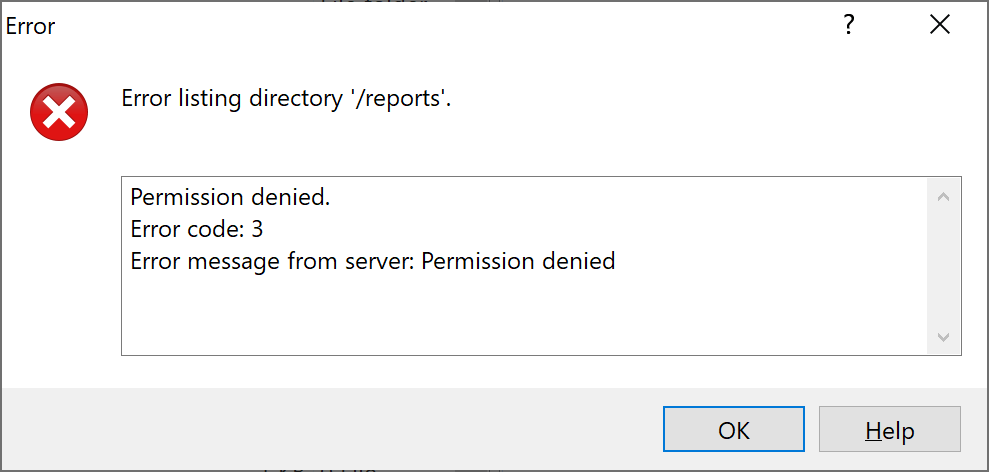
The server returns “Permission denied” while trying to list the directory, but the uploads are still possible.
In fact, the folder was given permission 370 (-wxrwx—), meaning the owner cannot read it, which prevents the listing. You could still retrieve a report provided that you know its name. However, it includes the machine’s name and a precise timestamp. Not that easy to guess, unless an attacker is specifically targeting someone.
But wait.
The owner of the directory, which is myself, can modify the permissions on the directory I own to give it back read permissions. I successfully switched them from 370 to 770, and I was again able to list the directory and (re)discover hundreds of fresh user reports.
I restored the permissions to 370, and decided to report (once more) the problem, this time through https://www.comodo.com/resources/report-security-flaw/index.php.
Update August 2025: Five years and a half later, having no reply from Comodo, I am releasing this blog post I kept private all these years. The SFTP credentials are still valid, only the permissions seem to have changed in a way that you cannot issue a chmod command anymore. You can only retrieve files for which you know the full filename.
 Xavier de Carné